Analyze and Visualize Data Using Power BI
Enroll now →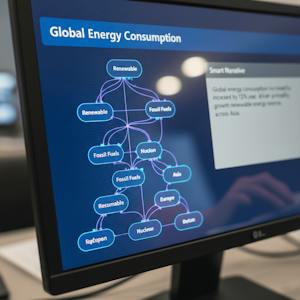
About this course
By the end of this course, learners will be able to analyze business data, design interactive reports, apply advanced visualizations, and implement secure, insight-driven Power BI solutions. This Power BI Training course provides a comprehensive, hands-on learning experience that guides learners from foundational concepts to advanced analytics and security features. Learners begin by understanding Power BI’s role in business intelligence, learning how to format data and create clear, effective visualizations. As the course progresses, learners gain practical experience building structured reports, working with real-world datasets such as global energy data, and organizing report views for meaningful data storytelling. What makes this course unique is its strong focus on applied learning through real datasets, AI-powered visuals, and interactive features such as decomposition trees, Q&A, smart narratives, and what-if analysis. Learners also develop essential data modeling skills, including relationships, calculations, and row-level security, ensuring reports are both accurate and secure. By completing this course, learners will be equipped with job-ready Power BI skills that support data-driven decision-making, enhance analytical confidence, and enable them to create professional, business-ready dashboards suitable for real-world organizational use.
What you'll learn
- analyze business data
- design interactive reports
- apply advanced visualizations
- implement secure Power BI solutions
- create professional dashboards
Course objectives
- understand Power BI's role in business intelligence
- format data for clear visualizations
- build structured reports from real-world datasets
- develop data modeling skills including calculations and row-level security
Skills you'll gain
Related courses

Data Science Foundations
USD 49

Data Analytics in the Public Sector with R
USD 49

Data Science as a Field
USD 99

Geographic Information Systems (GIS)
USD 49

Data Visualization & Analytics in Tableau
USD 49

Enhancing Reproducible Science with GitHub and Docker
USD 49

Programming for Python Data Science: Principles to Practice
USD 49

Statistical Methods and Data Analysis
USD 49
Course details are provided by the platform and may change — always confirm on the provider's site. Links may be affiliate links.