Hands-on with MS Teams
Enroll now →
About this course
Master the art of collaboration with Microsoft Teams, the ultimate tool for modern workplace communication. This course equips you with the skills to evaluate, plan, deploy, and manage Teams for your enterprise. Learn how to streamline interactions, schedule meetings, and share content effectively, all within a unified platform. The journey begins with an in-depth exploration of foundational concepts, including network readiness, QoS configurations, and Office 365 group policies. Progress through managing teams, channels, and organizational settings using both the Teams Admin Portal and PowerShell. You'll also delve into membership management, from assigning user roles to creating dynamic groups, ensuring optimal team efficiency. Advance to mastering guest access configurations, chat and collaboration experiences, and meeting setups, including live events and cloud recordings. Policies for Teams apps, security, and compliance are thoroughly covered, ensuring you can uphold enterprise-grade governance while enabling seamless collaboration. This course is ideal for IT administrators, enterprise managers, and technology enthusiasts aiming to excel in managing Microsoft Teams. Prior experience with Microsoft 365 or a basic understanding of enterprise IT tools is recommended. The course is intermediate-level, balancing hands-on applications with strategic insights.
What you'll learn
- evaluating Microsoft Teams for enterprise needs
- managing teams and channels
- implementing guest access configurations
- scheduling and managing meetings
- enforcing security and compliance policies
Course objectives
- to equip students with skills to deploy and manage Microsoft Teams
- to enhance collaboration in a workplace setting
- to understand governance and compliance within Microsoft Teams
Skills you'll gain
Related courses

Curso Green Belt - Lean Six Sigma
USD 174.99
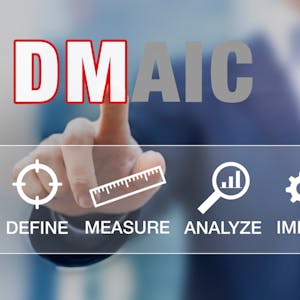
Six Sigma Advanced Define and Measure Phases
USD 49

Programa 5S [KIT DE IMPLEMENTAÇÃO PRÁTICA] + [1 CURSO EXTRA]
USD 39.99

Foundation of Global Supply Chains
USD 49

Six Sigma Green Belt
USD 49

Mastering Word for Microsoft 365 Made Easy Training Tutorial
USD 19.99

Understanding the Healthcare Innovation Process II
USD 49

International Supply Chains and Logistics
USD 49
Course details are provided by the platform and may change — always confirm on the provider's site. Links may be affiliate links.