Introduction to Image Processing
Enroll now →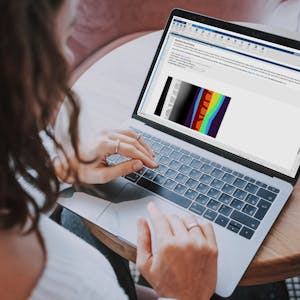
About this course
In this introduction to image processing, you'll take your first steps in accessing and adjusting digital images for analysis and processing. You will load, save, and adjust image size and orientation while also understanding how digital images are recognized. You will then perform basic segmentation and quantitative analysis. Lastly, you will enhance the contrast of images to make objects of interest easier to identify. By the end of the course, you’ll apply your segmentation skills to identify regions of interest, such as the amount of surface water from satellite images. This introduction to image processing will give you the foundation you need to conduct more advanced work on this topic. You will use MATLAB throughout this course. MATLAB is the go-to choice for millions of people working in engineering and science and provides the capabilities you need to accomplish your image processing tasks. You will be provided with free access to MATLAB for the duration of the course to complete your work. To be successful in this course you should have a background in basic math and some exposure to MATLAB. If you want to familiarize yourself with MATLAB check out the free, two-hour MATLAB Onramp. Experience with image processing is not required.
What you'll learn
- how to load and save digital images
- adjust image size and orientation
- perform basic image segmentation
- conduct quantitative analysis on images
- enhance image contrast
Course objectives
- develop a foundational understanding of image processing techniques
- learn to identify regions of interest in images, such as satellite data
Skills you'll gain
Related courses

Data Science Foundations
USD 49

Data Analytics in the Public Sector with R
USD 49

Data Science as a Field
USD 99

Geographic Information Systems (GIS)
USD 49

Statistical Methods and Data Analysis
USD 49

Data Visualization & Analytics in Tableau
USD 49

Programming for Python Data Science: Principles to Practice
USD 49

Enhancing Reproducible Science with GitHub and Docker
USD 49
Course details are provided by the platform and may change — always confirm on the provider's site. Links may be affiliate links.